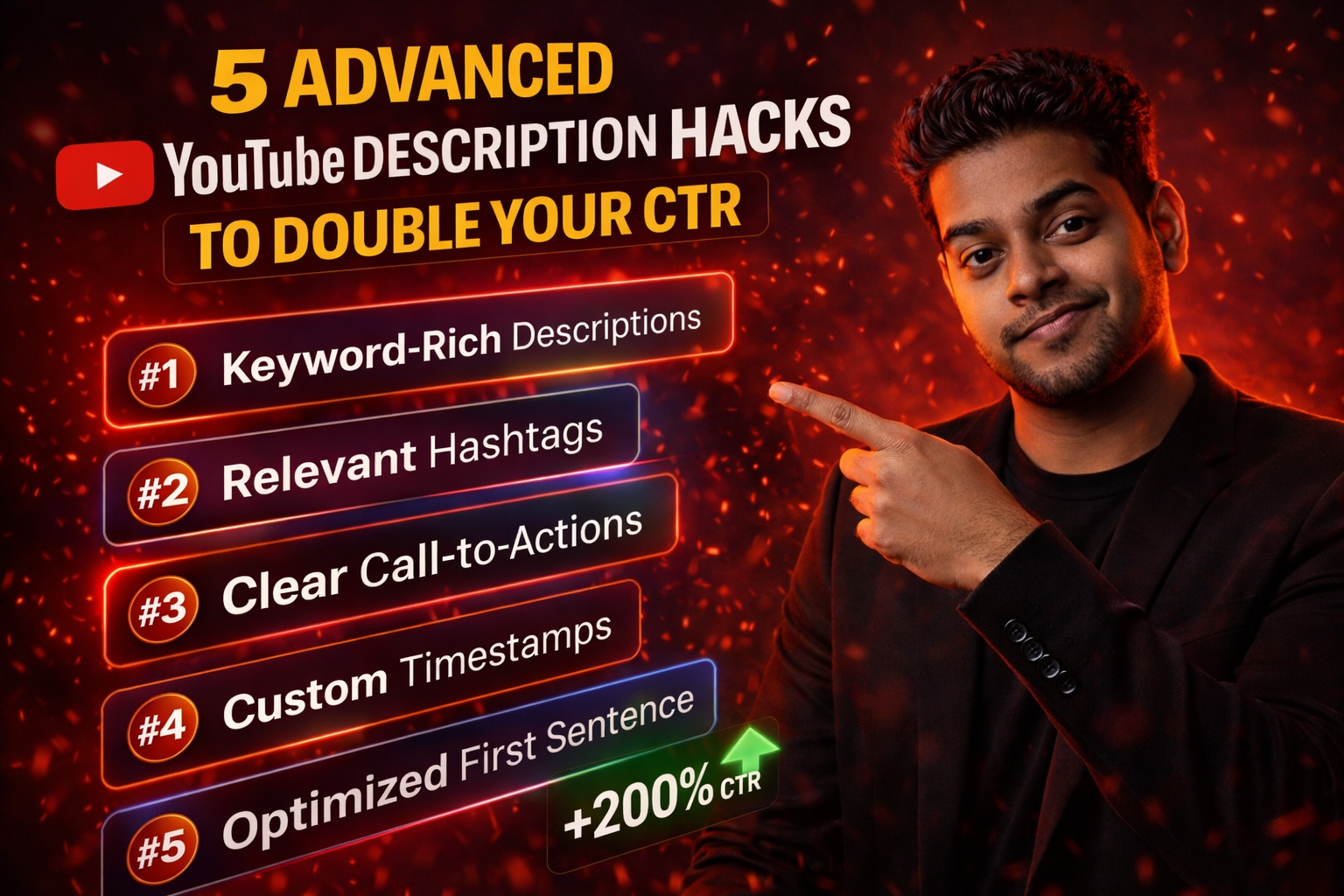
5 Advanced YouTube Description Hacks to Double Your CTR
Most creators think the description box is just a place to dump links. But in 2026, the description is a high-performance sales page. If you use it correctly, you can significantly increase your Click-Through Rate (CTR) and keep viewers watching for longer.
Here are 5 advanced hacks that the top 1% of YouTubers use to optimize their descriptions.
1. The "Problem-Solution" Opening
Don't start your description with "Hey guys, welcome back." Start with the problem your video solves. For example: "Tired of getting low views? In this video, I show you the exact SEO fix you need." This shows up in search results and hooks the viewer immediately.
2. Using "Internal Anchor" Timestamps
Don't just list timestamps; use them as "Teasers." Instead of writing "05:00 - Conclusion," write "05:00 - The Secret Trick No One Tells You." This creates curiosity and makes people want to skip ahead to that specific part, increasing your "Satisfied View" metric.
3. Extracting Success from Competitors
If you are stuck on how to write a ranking description, use a YouTube Description Extractor. This tool allows you to see the exact structure and keyword density of the most successful videos in your niche. Don't copy them word-for-word, but follow their successful "Blueprint."
4. The "Related Video" Loop
At the very bottom of your description, always link to 2-3 of your other videos that are highly relevant to the current one. This creates a "Viewing Loop," where the user finishes one video and immediately clicks another of yours, which the algorithm loves.
5. Strategic Link Placement
Never put your most important link (like a product or a newsletter) at the very bottom. Put your primary Call-to-Action (CTA) in the first 3 lines of your description. Only 10% of people click "Show More," so your most valuable link must be visible immediately.
Conclusion
Your description box is a powerful tool—don't let it go to waste. Implement these 5 hacks today and watch your analytics move in the right direction!
Frequently Asked Questions
Do hashtags in descriptions really work?
Yes, but only the first three. YouTube displays them prominently. Use one broad niche hashtag and two specific ones for the best results.
Should I put my transcript in the description?
Not the full transcript, as it can look like spam. Instead, write a 200-word summary that naturally includes the keywords from your transcript.
Can I use emojis in my description?
Yes! Emojis help break up the text and make your description look more modern and readable.
Does a long description slow down my video?
No. Descriptions are just text metadata and have no impact on the loading speed or quality of your video file.