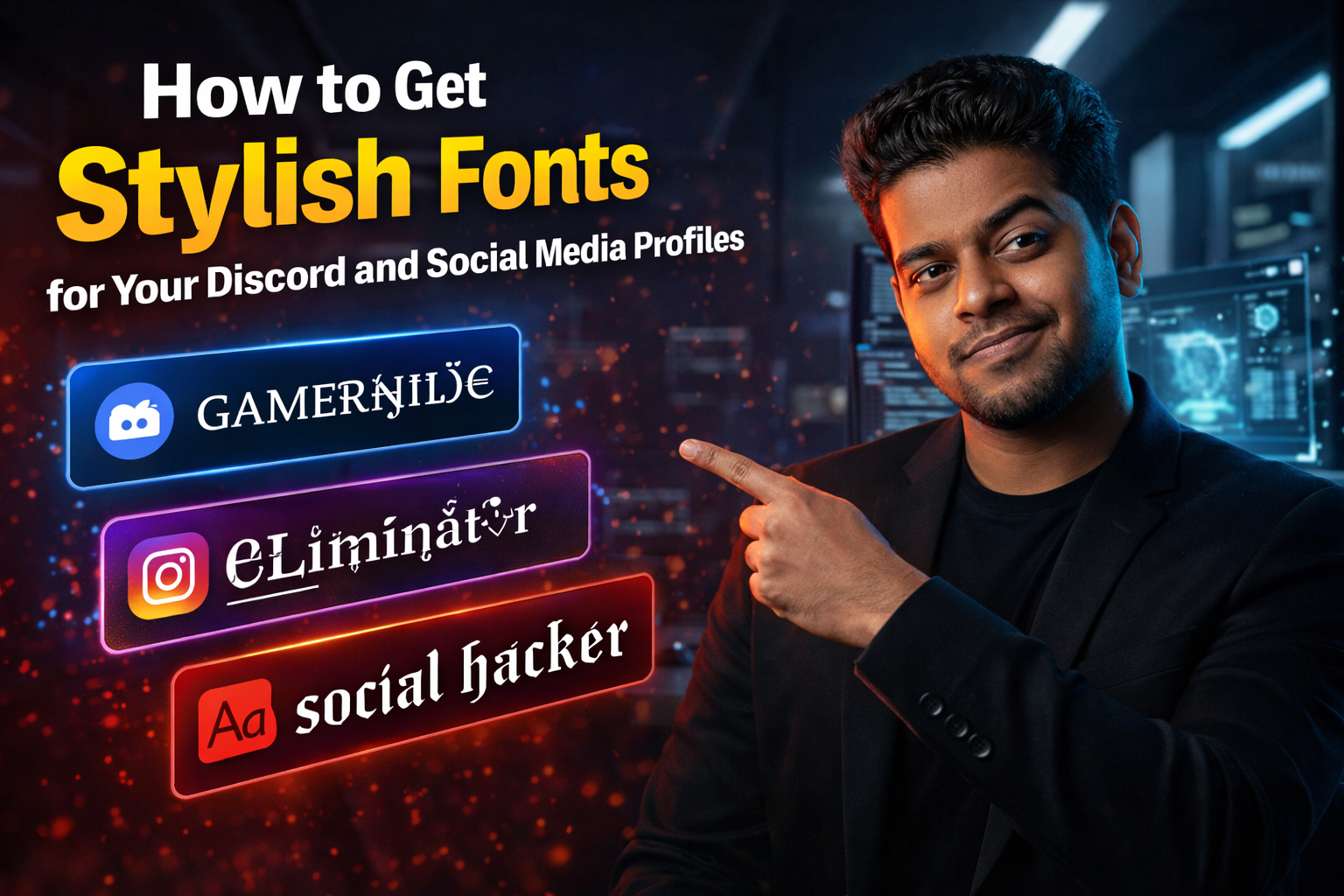
How to Get Stylish Fonts for Your Discord and Social Media Profiles
In the digital world of 2026, your username and bio are your primary visual identity. Whether you are setting up a professional Discord server, an aesthetic Instagram profile, or a competitive gaming ID, using standard, plain text often feels boring and forgettable. You want your profile to "pop" and grab attention instantly.
However, social media platforms do not allow you to change your font through a settings menu. To achieve those cool, bold, script, or gothic looks, you need to understand the magic of Unicode symbols. In this guide, we will show you how to safely stylize your text without breaking the platform's rules.
What Are Unicode Stylish Fonts?
When you see someone with a name like 𝕯𝖆𝖗𝖐𝕶𝖓𝖎𝖌𝖍𝖙 or 𝓔𝓵𝓮𝓰𝓪𝓷𝓽𝓠𝓾𝓮𝓮𝓷, they haven't actually changed their font file. Instead, they are using Unicode Mathematical Alphanumeric Symbols.
Unicode is an international standard that assigns a unique number to every character across different languages and styles. There are thousands of "mathematical" versions of standard letters (A, B, C) that look like different fonts. Because these are recognized as "text" by computers and not "images," you can copy and paste them into almost any website, and they will render perfectly.
Why Use Stylish Fonts?
- Brand Identity: If you are a streamer or a creator, a stylized name helps you stand out in a crowded chat or a search result.
- Visual Hierarchy: In a long Discord bio, using a Bold Sans font for headings helps readers find important information faster.
- Aesthetic Appeal: For personal profiles, stylish fonts allow you to express your personality—whether that is "dark and gothic" or "soft and minimal."
How to Generate Stylish Fonts Safely
Manually hunting for Unicode characters is impossible. The most efficient way is to use a dedicated Stylish Font Generator.
The process is incredibly simple:
- Step 1: Type your name or bio into the generator.
- Step 2: Scroll through the dozens of generated styles (Gothic, Italic, Bold, Script, etc.).
- Step 3: Click "Copy" on your favorite version.
- Step 4: Paste it directly into your Instagram bio, Discord nickname, or X (Twitter) handle.
Important: Accessibility and SEO Warnings
While stylish fonts look great, you must use them strategically. Screen readers (used by visually impaired people) often struggle to read these complex Unicode symbols. For accessibility, avoid using stylish fonts for your entire bio.
Additionally, search engines like Google and Instagram's internal search might not recognize stylized text as easily as plain text. For the best results, keep your main "Keywords" (like your actual name or profession) in standard text, and use stylish fonts for your flair and decorative elements.
Conclusion
A little bit of styling goes a long way. By using Unicode symbols correctly, you can transform a generic profile into a memorable brand. Use a generator to find the style that fits you, and start standing out in the digital crowd today!
Frequently Asked Questions
Will I get banned for using stylish fonts on Instagram?
No. Stylish fonts are just Unicode characters. They do not violate any platform's Terms of Service. They are perfectly safe to use for bios, captions, and nicknames.
Why do some fonts show up as empty boxes (Tofu)?
This happens when the device you are using (or the device of the person viewing your profile) is very old and doesn't support the latest Unicode standards. Most modern smartphones and computers will see them perfectly.
Can I use these fonts in my Discord bio?
Yes! Discord fully supports Unicode symbols. In fact, many professional Discord servers use stylish fonts to organize their channel names and role descriptions.
Do stylish fonts affect my Instagram SEO?
Yes, they can. Instagram's search algorithm reads standard text better than Unicode symbols. It is best to keep your main keywords in the standard font and use stylish fonts for decoration.