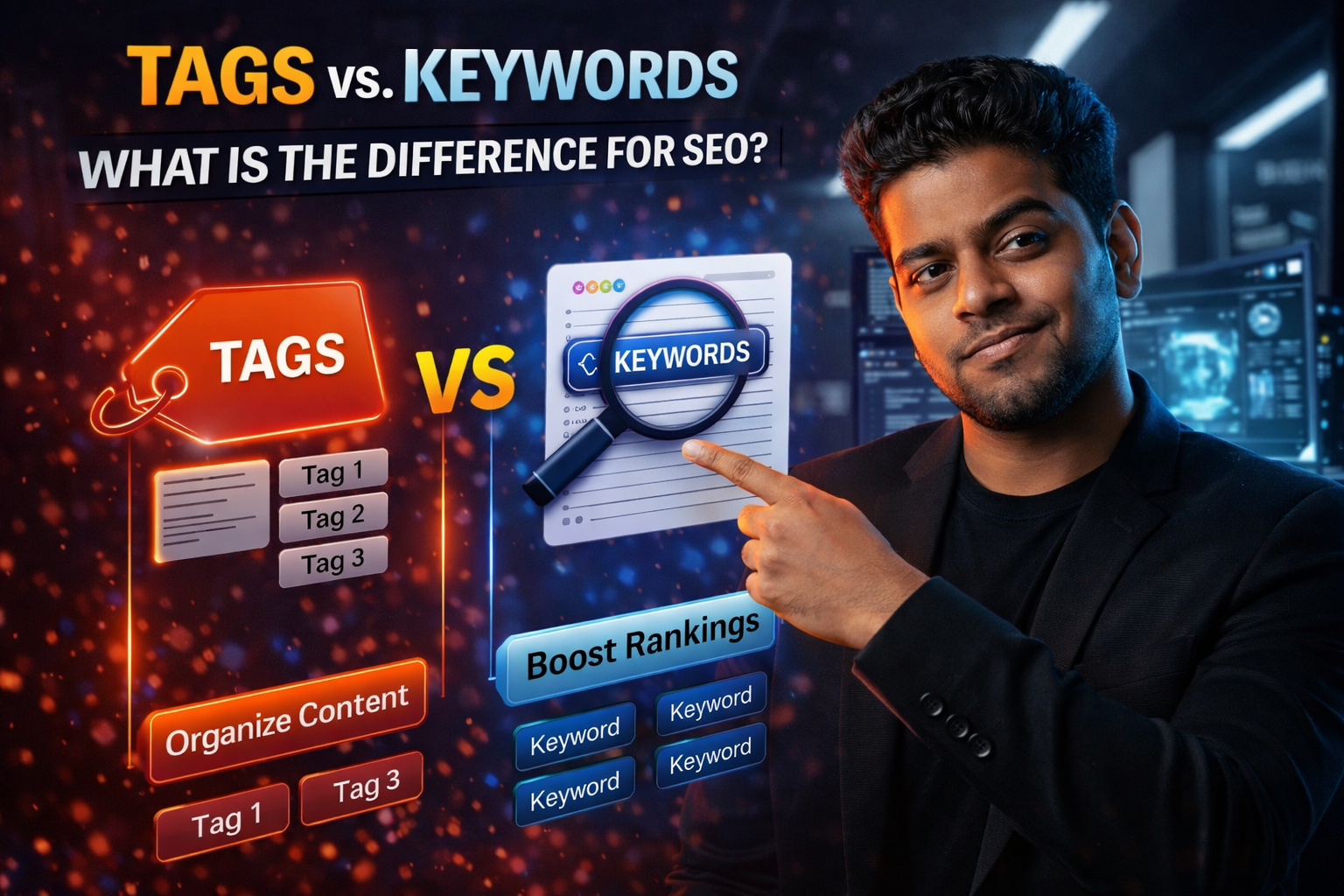
Tags vs. Keywords: What is the Difference for SEO?
If you are new to the world of Search Engine Optimization (SEO), the terminology can be incredibly overwhelming. You often hear experts talk about "Keywords" and "Tags" as if they are the same thing, but in reality, they serve two very different functions in the eyes of a search engine algorithm.
Understanding the difference is the key to moving from a "beginner" creator to a "pro" who actually ranks on the first page of Google and YouTube. In this guide, we will clear up the confusion once and for all.
What Are Keywords?
Keywords are the actual words and phrases that people type into a search bar (like Google or YouTube). They represent the intent of the user.
For example, if someone types "How to bake a chocolate cake," that entire phrase is a "long-tail keyword." Your job as a creator is to include these keywords naturally in your Title, your first paragraph, and your subheadings. Keywords are for Discovery. They tell the search engine, "This content is a direct answer to what the user is looking for."
What Are Tags?
Tags are a form of Metadata. Unlike keywords, which are woven into the readable content, tags are usually added in the "backend" (like the tags box in YouTube Studio or the tags section in WordPress).
Tags are for Categorization. They help the platform understand the broad "bucket" your content belongs in. For example, if your video is about baking, your tags might be "Cooking," "Baking," "Desserts," and "Easy Recipes." Tags help the algorithm suggest your video next to other similar videos in the sidebar.
The Key Differences at a Glance
- Visibility: Keywords are visible to the user (in titles and text). Tags are usually hidden from the user.
- Function: Keywords help you show up in search results. Tags help you show up in "Suggested" or "Related" sections.
- Algorithm Weight: In 2026, search engines like Google and YouTube give much more weight to keywords in your content than they do to hidden tags.
How to Use Both Effectively
To rank your content, you need a two-pronged strategy:
- Identify High-Volume Keywords: Find out what people are actually searching for. Use these in your titles and descriptions.
- Use Accurate Tags: Don't skip the tags box! Use it to tell the platform exactly what category you are in. If you are on YouTube, use a YouTube Tag Extractor to see what categories your successful competitors are using.
Conclusion
Keywords get you found; tags get you sorted. By mastering both, you ensure that your content is not only searchable but also highly recommendable by the algorithm. Stop guessing and start using data-driven metadata today!
Frequently Asked Questions
Which is more important, the title or the tags?
The Title is significantly more important. The title contains your primary keyword and is the first thing both the algorithm and the user see. Tags are secondary metadata.
Can I use the same keywords as my tags?
Yes! In fact, you should. Including your primary and secondary keywords in your tags box helps reinforce the topic of your content to the algorithm.
Does Google look at tags?
For web articles, Google doesn't use the "Meta Keywords" tag anymore. However, it does look at the "Tags" you use in your CMS (like WordPress) to understand how your site is structured and how your articles are grouped.
How many tags should I use on a YouTube video?
You should use between 10 to 15 highly relevant tags. Using too many (keyword stuffing) can actually confuse the algorithm and hurt your ranking.